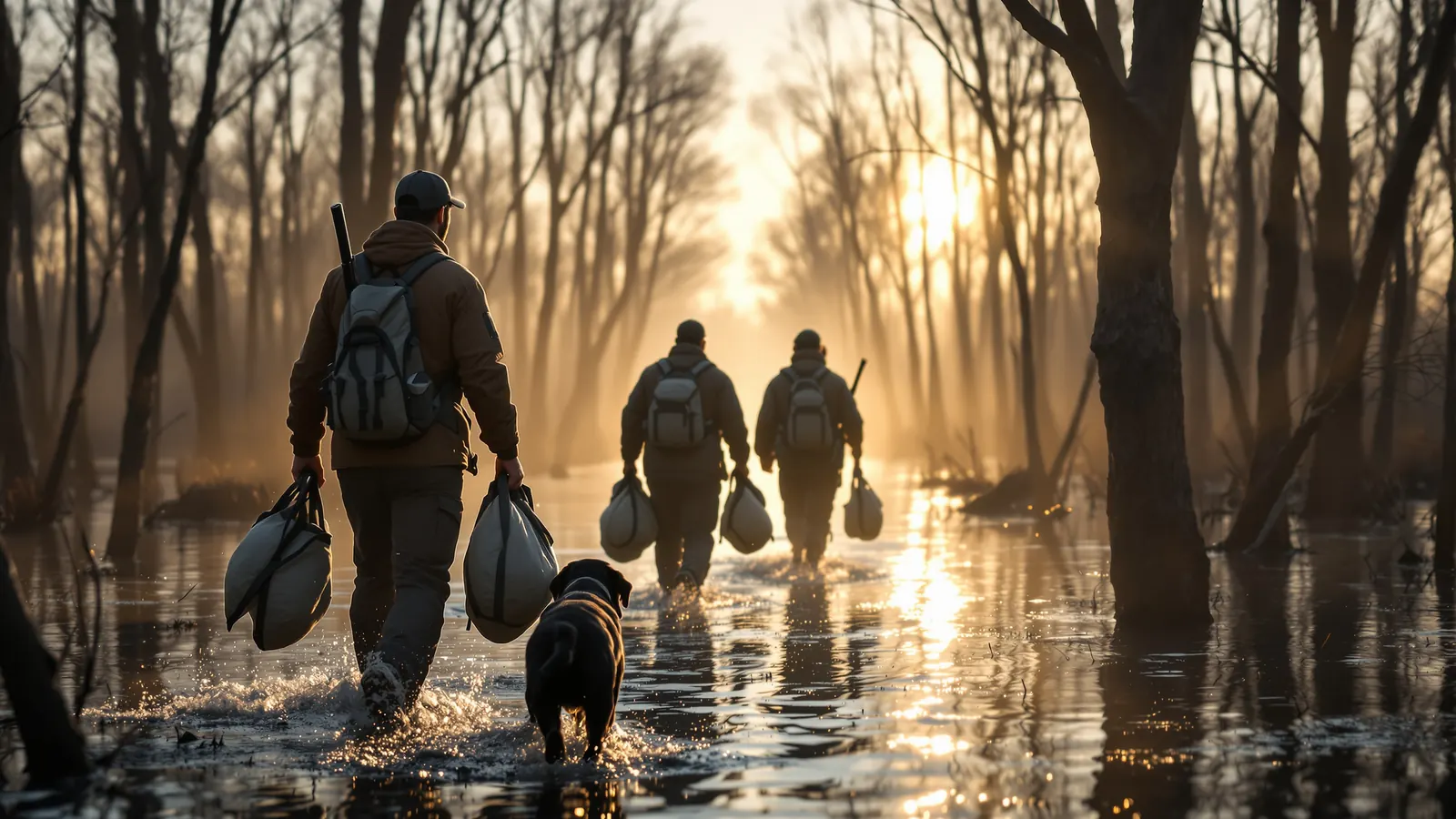
A review system for outfitters and charters
How to Get More Google Reviews for Your Outfit, the Right Way
Reviews come from a habit, not a campaign: ask every guest at the right moment, make it a two-tap job, keep staff on script and stay well inside Google's rules on incentives and selective asking.
Figuring out how to get more Google reviews is mostly about building a habit that runs every week of the season, not running a one-time push. A hunter who had a great morning in the blind or an angler who boated a personal best is happy to say so. Most of them simply never get asked at the right time, in a way that takes thirty seconds.
This guide lays out a review system built for outfitters, lodges and charters: what Google allows, when to ask, what to say, how to make it easy, and how to keep it going when the season gets busy. Everything here stays inside Google's policy on fake engagement and incentives, because a profile that loses reviews or gets restricted is worse off than one that grows slowly.
Short answer
Ask every guest, not just the happy ones, within a day of the trip while it is fresh. Send a direct review link by text or email, keep a QR code at the lodge or dock, and have guides mention it naturally. Never offer discounts or gifts for reviews, and reply to every review you receive.
Start with the rules: what Google allows and forbids
Before building a review habit, know where the lines are. Google's prohibited and restricted content policy says fake engagement is not allowed and will be removed. For businesses, the policy specifically prohibits:
- Offering incentives such as payment, discounts, or free goods or services in exchange for reviews, or for removing a negative review.
- Discouraging or prohibiting negative reviews, or selectively soliciting positive reviews from customers.
- Requiring or pressuring customers to leave ratings or write reviews while on the premises.
- Asking staff to solicit a certain number of reviews, or asking customers for reviews that include specific content.
What Google does allow is just as clear: businesses may solicit or encourage reviews that represent a genuine experience, without incentives and without trying to influence the rating or content.
What that means at a hunting camp or on a charter boat
- No "leave us a review and get ten percent off next season." No free shells, no free fish cleaning, no drawing for a free hunt.
- Ask every guest. Do not ask only the parties who limited out and skip the ones who got skunked.
- Do not hand guests a phone at the dock and wait while they type.
- Do not script what they should say, such as asking them to mention your town or species.
- Do not give guides a quota.
How to get more Google reviews: ask every guest
Asking everyone sounds risky to operators who remember the one party that complained about the weather. In practice it is the safest approach and usually the most effective one.
It is safe because selective asking is exactly what Google prohibits. It is effective because, if your trips are good, satisfied guests make up most of the people you ask, and many of them never think to leave a review unless prompted. The occasional critical review is part of a believable profile, and a calm, professional reply to it often tells future clients more about you than a dozen five-word compliments.
If a trip really did go wrong, deal with the guest directly and fix what you can. That is good business regardless of reviews. It is not a reason to leave them off the request list. For handling the critical ones, see our guide on how to respond to negative reviews.
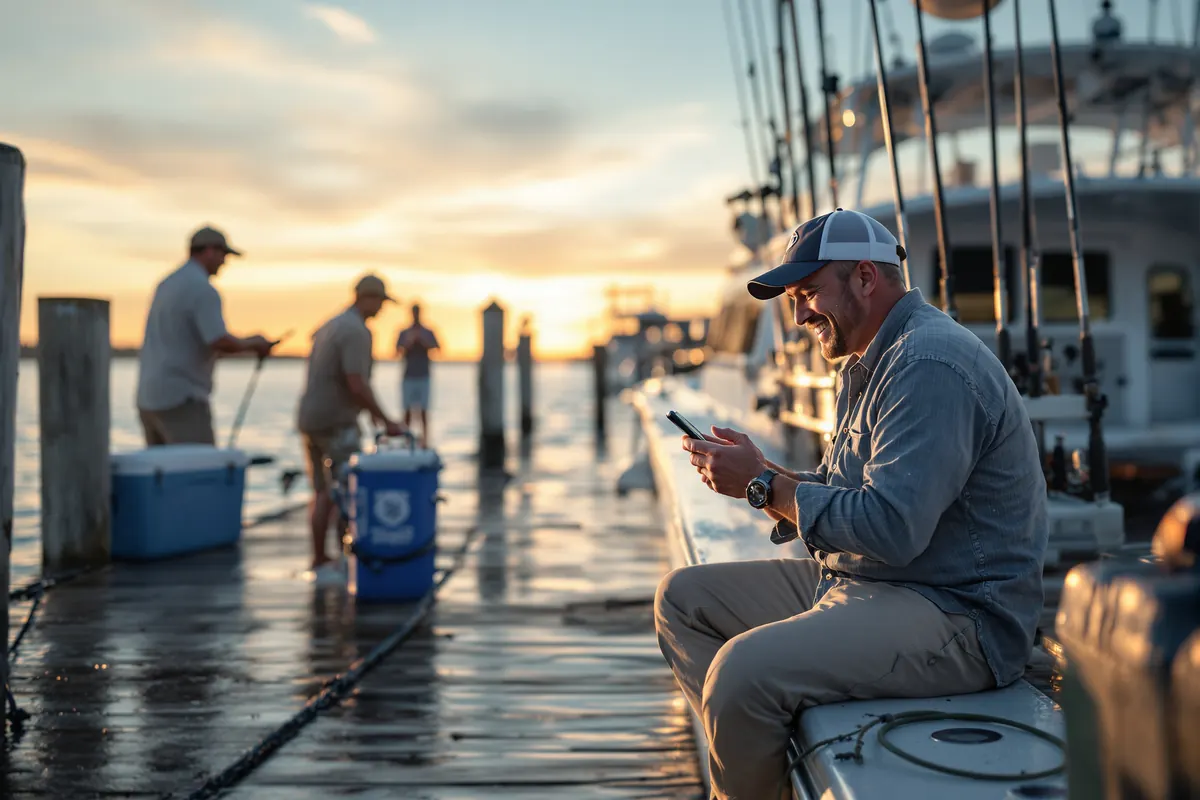
Timing: when to ask, by type of trip
The best time to ask is when the trip is still vivid and the guest has a free minute. That differs by operation.
| Trip type | Good moment to ask | Why |
|---|---|---|
| Half-day or full-day charter | The evening of the trip, by text | Fish photos are fresh on their phone and they are back on land |
| Morning waterfowl or dove hunt | Early afternoon the same day | After the hunt, the cleanup and a nap |
| Multi-day lodge or big game hunt | The day after they get home | Travel is over and they are telling friends about it |
| Hunts with processing or taxidermy | A second gentle touch when the meat or mount is ready | The experience is complete |
One clear ask plus one reminder is plenty. More than that starts to feel like pressure. Mentioning reviews in person at the end of a trip is fine as long as it is a friendly mention, not a demand made while the guest is standing in front of you.
Make it a two-tap job with a direct link and QR code
Every extra step loses people. "Search for us on Google and find the reviews button" loses most of them. Google's Business Profile help on reviews says you can ask customers to visit a Google link or scan a QR code to leave a review, and that customers must be signed in to a Google Account to post one.
Set up both, then put them everywhere a guest already looks:
- Text message. The highest-response channel for most outdoor guests. One short message with the link.
- Email. Good for guests who booked by email and for multi-day trips.
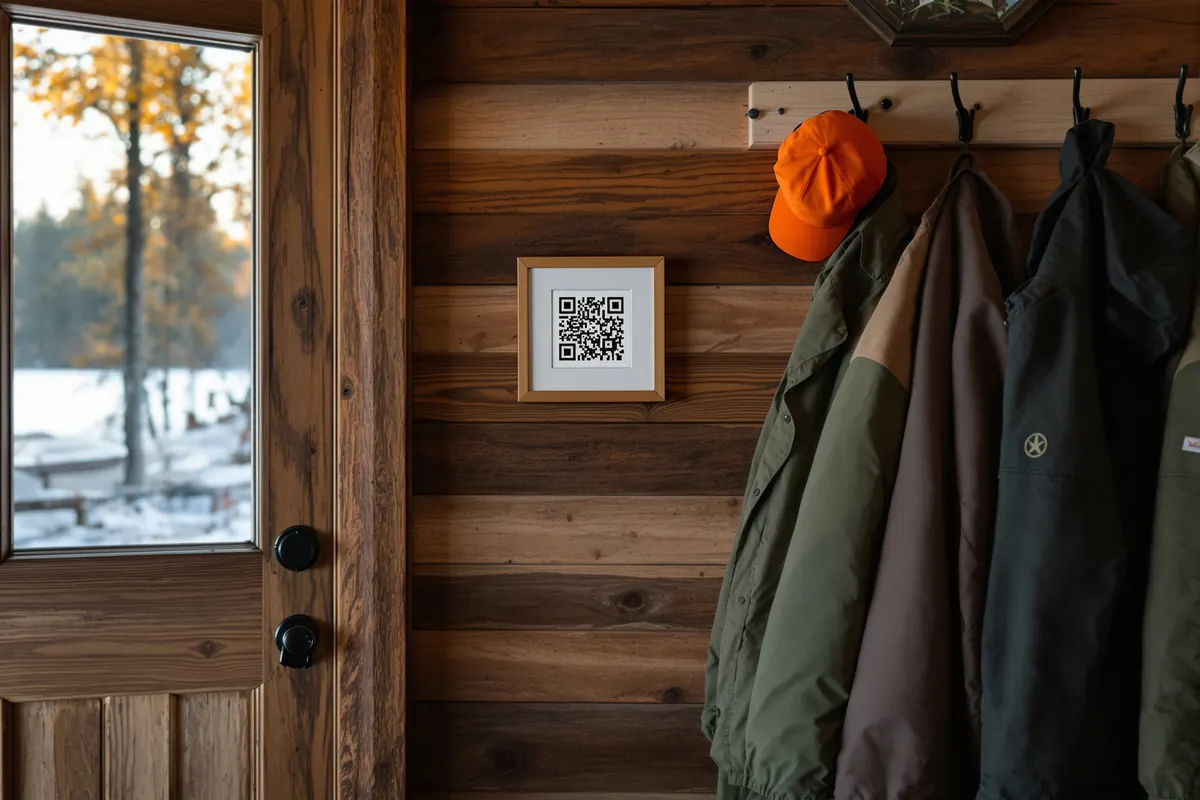
- QR code at the lodge, dock or check-in table. Framed on the wall, not pushed into someone's hand.
- Trip confirmation and thank-you emails. A line at the bottom, low key.
- Your website. A "Review us on Google" link on the contact or thank-you page.
Test the link on a phone that is not signed in to your business account, so you see what a guest sees.
Guide and crew habits that produce reviews
Guides and deckhands are the people guests remember, so they shape whether a guest feels like writing anything. Train the habit, not a quota.
A simple end-of-trip script
"Thanks for coming out with us today. You'll get a text tonight with your photos and a link to leave us a Google review if you have a minute. It helps other hunters find us, and we read every one."
That line does three things: it tells the guest what is coming, gives an honest reason, and asks without pressure. It does not ask for five stars or tell the guest what to write.
Other habits that help
- Take good photos of the group and the harvest or catch, and send them. Guests who receive photos are more likely to share and review.
- Use guests' names. A review that mentions "Captain Mike" or "our guide Jake" usually came from a guest who felt known.
- Close the loop on promises: processing updates, a mount timeline, a rebooking date.
- Never reward guides based on review counts. Google forbids asking staff to collect a set number, and it pushes people toward exactly the pressure tactics you want to avoid.
Making it easy for every kind of guest
Your guests are not all the same, and a review request that works for a 30-year-old duck hunter may stall with a 70-year-old who shoots clays on Tuesdays. Plan for the main groups you serve.
Guests without a Google account
Google requires reviewers to be signed in to a Google Account, and its help page notes that people can create one with a non-Gmail address. Some guests stop at the sign-in screen. A short line in the message helps: "If it asks you to sign in, any email address works to create a Google account." That is information, not pressure.
Groups booked by one person
When a lead hunter books a four-man blind, the other three often never hear from you directly. If every member of the party registers with their own contact details, every one of them can get the same post-trip request. That multiplies the number of people you can ask without asking anyone more than once.
Corporate outings
The organizer is busy and the attendees are guests of their employer. Send each attendee the request individually and keep it brief. Do not ask the organizer to collect reviews from the team, which drifts toward the kind of pressure Google's policy warns against.
Parents of youth hunters and anglers
For youth trips, send the request to the parent or guardian who booked and attended. Their perspective on safety and patience is exactly what other parents look for when choosing an outfitter for a first hunt.
Repeat guests
A hunter who comes back every season already reviewed you years ago. Do not hound them. If they did not review before, the regular request after their next trip is enough.
Thinking through how to get more Google reviews this way, guest by guest, usually shows where your current process leaks: the party members you never had contact details for, the trips where nobody sent photos, the weeks when follow-up slipped.
Automating the ask so it happens every time
In November, nobody remembers to text Thursday's party at 7 p.m. That is why manual review programs fade halfway through the season. Automation keeps the ask consistent, and consistency is what grows a review count.
HuntReserve sends a post-hunt feedback request automatically after each trip, and you can send every guest the same Google review link alongside it. Hunters rate the hunt and upload photos, and they are invited to review you on Google. Every guest who went on the trip gets the same request, which fits Google's ask-everyone rule. The photos land in your Trophy Wall, which gives you real field content for your site and social pages.
Other automatic messages help the review indirectly: a day-before reminder with what to bring, balance reminders handled without awkward conversations, and processing status updates so the guest is not chasing you for news on their meat. A smooth trip from booking to follow-up is what people write about. See the full list on our features page.
How to get more Google reviews by replying to the ones you have
Replies are part of how to get more Google reviews because they show future guests that someone reads them. Google's help page recommends keeping replies professional, polite and short, avoiding the same generic thank-you on every review, not using replies to offer deals, protecting the reviewer's privacy, and asking the reviewer to contact you privately when an issue is complex.
For an outfit, good replies are specific:
- "Glad the Saturday blind came together for you and your son. Those north winds made it."
- "Thanks for fishing with us. That redfish was the right kind of hard work."
Keep replies free of anything private: no hunt prices, no details about other guests, no harvest locations a guest would not want shared. If you want help tightening the rest of your profile, our guide to Google Business Profile optimization covers categories, photos and posts.
Measuring progress without obsessing over it
Track a few numbers monthly during the season:
- Guests served versus review requests sent. These should match.
- New reviews received, by month.
- Reviews that mention a guide, species or trip type, which tells you what guests value.
- Reply rate. Aim to reply to every review.
If requests are going out and reviews are not coming in, look at the message itself: is the link one tap, is it sent at a sensible hour, is it short? If reviews mention the same complaint repeatedly, fix the operation before worrying about the review count.
Catching up with past guests in the off-season
If you never had a review habit, your past guests are the fastest place to start. In the quiet months, send one short, friendly message to everyone who hunted or fished with you last season: a thank-you, a photo from their trip if you have one, and the review link. Send it to the whole list, not a hand-picked group, so you stay inside the ask-everyone rule.
Keep it to a single message. Past guests did not expect to hear from you, and a series of nudges about reviews will feel like spam. If the list is long, spread the sends over a couple of weeks so you have time to reply to the reviews as they arrive.
This is also the right moment to answer the question of how to get more Google reviews next season for good: set up the automatic post-trip request so you never need another catch-up campaign.
Where reviews fit in the bigger picture
Reviews feed your Google Business Profile, your website and your ads. They are one piece of a full plan covered in our hunting marketing guide, and charter captains will find the dock-side version in fishing charter marketing.
Putting a review system in place before next season
A short checklist to take into the off-season:
- Read Google's policy on fake engagement and remove anything in your current process that offers incentives or asks selectively.
- Create your review link and QR code and test them on a phone.
- Write a one-line ask for guides and crew and practice it.
- Decide the timing for each trip type you run.
- Set up automatic post-trip requests so every guest gets one.
- Commit to replying to every review within a few days.
If you would rather have a team handle it, our marketing team runs Google Business Profile management and local SEO for outfitters on the HuntReserve Full Draw package at $329 a month (ad spend separate). Learn more about our marketing team, see how the platform fits a guided operation on our hunting outfitter software page, or get started.
Frequently asked questions
Is it against Google's rules to offer a discount for a review?
Yes. Google's prohibited content policy says businesses may not offer incentives such as payment, discounts, or free goods or services in exchange for reviews. That includes discounts on a future trip, free gear or entry into a prize drawing. Reviews posted because of an incentive can be removed.
Can a business ask only happy customers for reviews?
No. Google's policy prohibits selectively soliciting positive reviews from customers and discouraging negative ones. Send the same review request to every guest after every trip. Handle complaints directly and professionally, but do not leave unhappy guests off the request list.
What is the best way to send a Google review link?
For most outfitters and charters, a text message the evening of the trip or the day after works best, because guests are holding their phones and looking at their photos. Email works for multi-day trips. A QR code at the lodge or dock is a good passive reminder.
Do guests need a Google account to leave a review?
Yes. Google's Business Profile help says customers must be signed in to a Google Account to leave a review. They can create one with an email address that is not Gmail. If a guest says the link did not work, being signed out of Google is a common reason.
Should an outfitter reply to every Google review?
Replying to every review is a good habit. Google recommends replies that are short, polite and professional, avoid repeating a generic thank-you, and never include promotions. For negative reviews, apologize where appropriate and invite the guest to contact you privately when the issue is complex.
Sources
- Google Maps user contributed content policy: Prohibited and restricted content (fake engagement)
- Google Business Profile Help: Read and reply to reviews / get reviews
Rules, fees and policies change. This guide was checked against the official sources above in October 2026. It is general information, not legal, tax or insurance advice: confirm the current details with the agency or a licensed professional before you rely on them.
Keep reading
More from the HuntReserve blog
How to Respond to Negative Reviews When You Run an Outfit or a Charter
A reply framework and sample responses for the complaints outfitters and captains actually get: no birds, bad weather, a short-tempered guide, deposit disputes, and reviews that break Google's rules.
12 min read
Google Business Profile Optimization for Outfitters, Lodges and Charters
A field guide to setting up a Google profile for a hunting outfit, lodge or fishing charter, with Google's own rules on names, service areas, seasonal hours, booking links and reviews.
12 min read
Hunting Marketing for Outfitters: A Year-Round Plan That Books Hunts
A complete plan for filling hunts: a clear position, hunt pages that answer every question, search and AI visibility, reviews, email, video, shows and referrals, measured by bookings.
12 min readSpend the season in the field.
Let HuntReserve run the office.
Tell us about your outfit. We'll call you, walk you through it with your own hunts and get you set up.