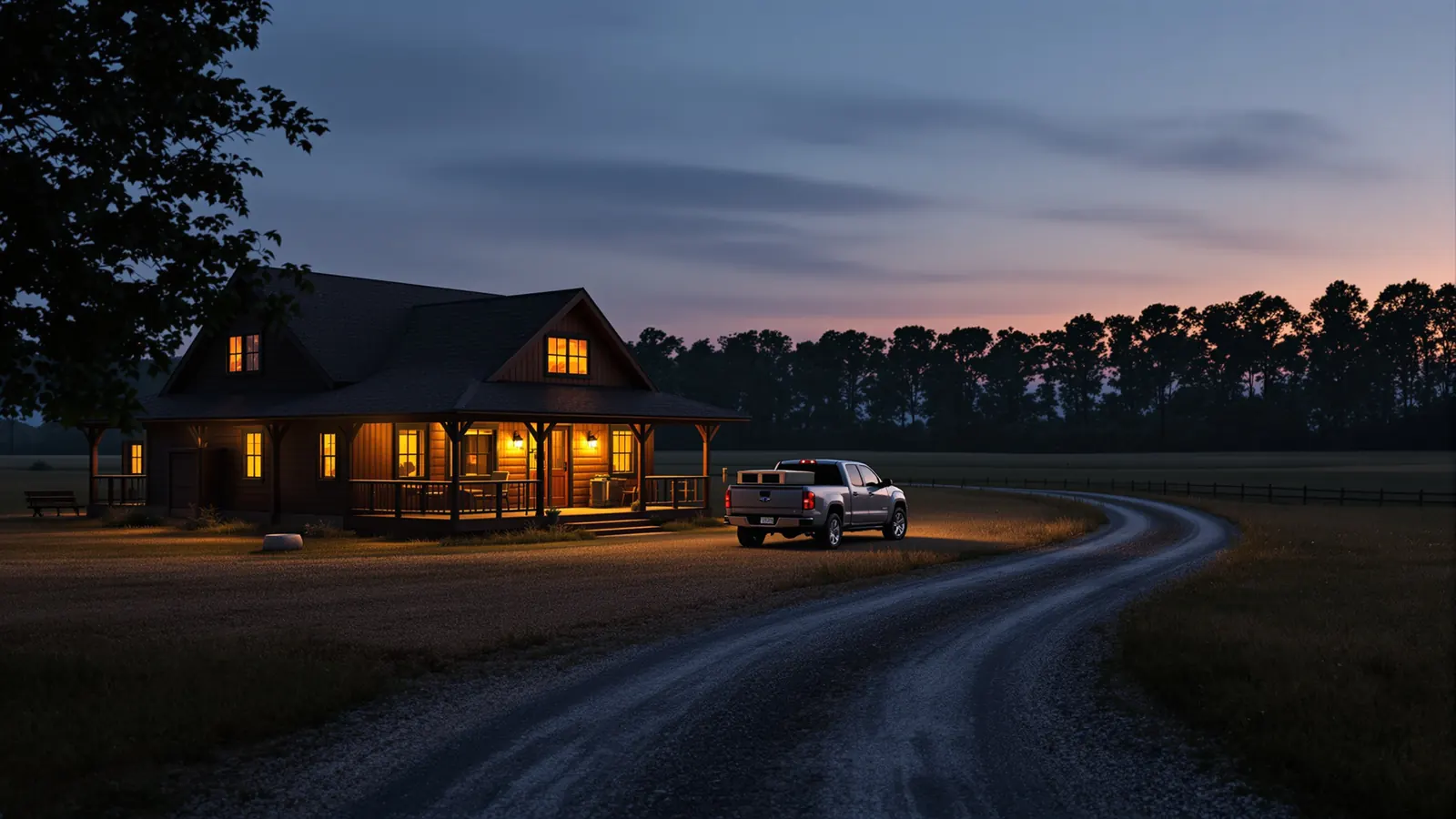
Marketing: get found on Google Maps
Google Business Profile Optimization for Outfitters, Lodges and Charters
A field guide to setting up a Google profile for a hunting outfit, lodge or fishing charter, with Google's own rules on names, service areas, seasonal hours, booking links and reviews.
Google business profile optimization for a hunting outfit or fishing charter is mostly about telling Google the truth in the exact format it asks for. When a duck hunter in Memphis searches "guided duck hunts near Stuttgart" or an angler types "redfish charter" on the way to the coast, the profile that shows up with the right category, real photos and a working booking link gets the call.
Outdoor businesses also have problems a dentist never faces: guides who work from home with no storefront, lodges open four months a year, boats that leave from a public ramp. This guide walks through each part of the profile in the order you fill it in, citing Google's own Business Profile guidelines wherever a rule applies.
Short answer
For outfitters and charters, the core steps are: use your real business name with no added keywords, choose the most specific primary category, decide between a storefront and a service-area profile, set seasonal hours honestly, add services and a booking link, post real photos, and ask every guest for a review without incentives.
Start with eligibility and the business name
Google wants a profile for a real business that meets customers in person, at its location or at theirs. A hunting outfitter, lodge, preserve or charter fits that well. What does not fit is a profile for a mailing address you never use. Google's guidelines state that businesses that rent a mailing address but do not operate there, such as a virtual office, are not eligible for a profile at that location.
The name is where most outdoor businesses get into trouble. It is tempting to call the profile "Smith Outfitters Guided Duck Hunts Arkansas Best Waterfowl Lodge." Google's guidelines say including unnecessary information in your business name is not permitted. Use the name on your sign, your truck door, your license and your invoices.
- Do: "Cypress Bend Outfitters."
- Do not: "Cypress Bend Outfitters | Duck Hunts | Deer Hunts | Lodging."
- Do not: add the town, the species or a phone number unless they are truly part of your legal or branded name.
Keyword stuffed names can trigger edits from other users or a suspension, and a suspended profile in November is a bad week. Put the species and hunt types in the categories, services and description instead, where they belong.
Storefront, service area or both
This is the decision that matters most for outfitters, because many have no place where customers walk in. Google draws the line clearly. Its service area help page describes a service-area business as one that visits or delivers to customers directly but does not serve customers at its business address, and says that if you do not serve customers at your address, you should remove it from the profile.
| Your setup | Profile type that fits |
|---|---|
| Lodge where hunters arrive, sleep and meet guides | Storefront with address shown |
| Guide who meets clients at public ramps or leased farms, works from home | Service-area profile, address hidden |
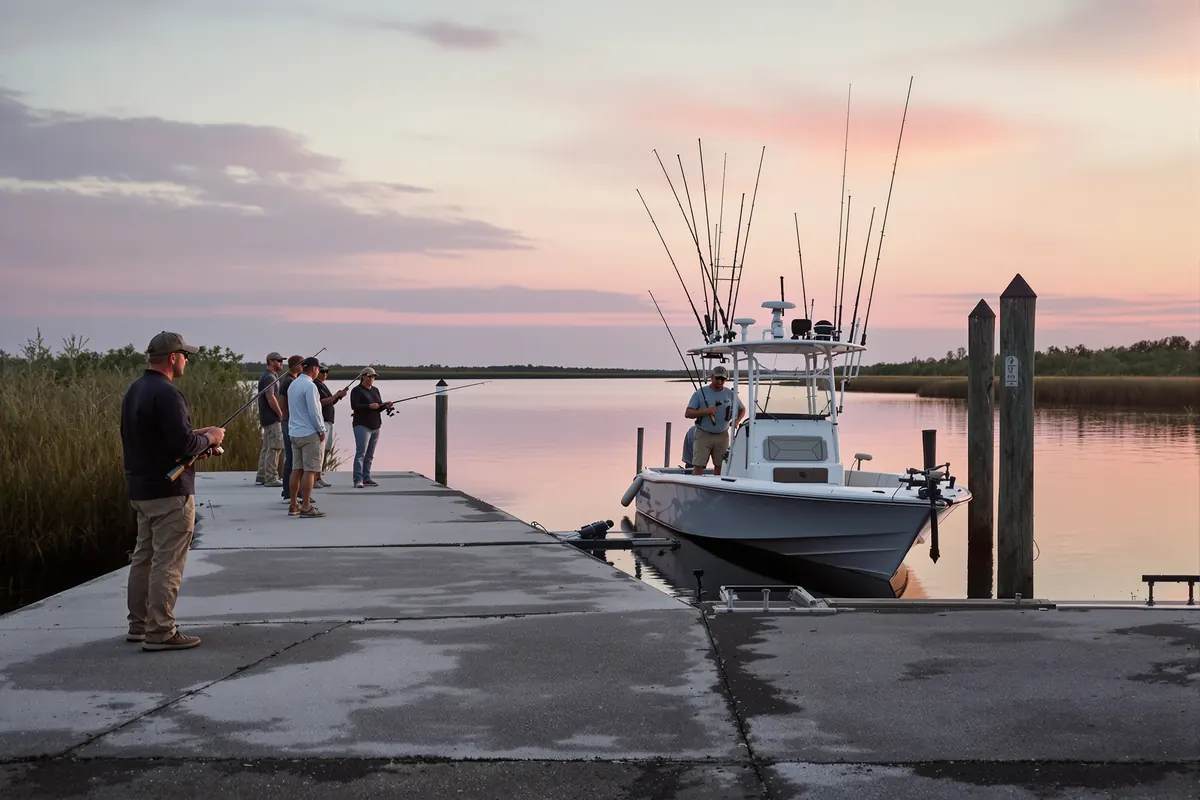
| Charter with a marina slip where anglers board | Usually a storefront at the marina, if you receive customers there during stated hours |
| Lodge that also guides on scattered leases | Hybrid: address shown plus a service area |
The same page says a service-area business can only have one profile for the whole area it serves, that you can set up to 20 service areas by city, postal code or region, that you cannot use a radius, and that the overall area should not extend beyond about two hours of driving time from where the business is based. A guide who hunts three counties should list those counties, not the whole state.
Categories and services for hunting and fishing
The primary category tells Google what you are. The guidelines say to use as few categories as possible to describe your overall core business. Pick the most specific primary category Google offers that matches what most customers buy from you, then add a small number of secondary categories only if they are real parts of the business.
Browse the category list in your profile editor and look for options that describe guided hunting, fishing charters, hunting preserves, lodges or similar. The available names change, so search the list rather than relying on a guess. If you run a lodge with a restaurant open to the public, a secondary category for that may make sense; if the cook only feeds hunters, it does not.
Services: where the detail goes
Services are where google business profile optimization gets specific without breaking the name rules. List each hunt or trip the way a customer would search for it:
- Guided waterfowl hunts, guided dove hunts, guided whitetail hunts
- Half-day inshore charter, full-day offshore charter
- Lodging packages, bird processing, youth hunts
Write a one or two sentence description for each, in plain words, and keep them in step with your website's hunt pages. If a service is sold out for the year or you stopped offering it, remove it. Of all the google business profile optimization tasks, keeping services current is the easiest to forget, because nothing breaks when it goes stale; customers just call about a hunt you no longer run.
Hours for a seasonal business
A dove field that runs in September, a duck lodge that runs November through January, a charter that slows down in winter: Google has guidance for exactly this. Its guidelines say that during the season your business is open you should set regular hours, that during the off season you can mark the business as temporarily closed, and that you should set regular hours again when you reopen. You can also say in the description that the business is open only for a specific season.
Two practical points for outdoor businesses:
- Use customer-facing hours. Google asks for your regular customer-facing hours. If hunters can call or visit the lodge office from 7 a.m. to 7 p.m., list that, not 4 a.m. to dark because that is when you hunt.
- Check the appointment-only guidance. The guidelines include specific direction about businesses that operate only by appointment. Read that section before entering hours for a guide service that meets clients by arrangement.
If the off season is also when hunters book next year, think before marking the profile temporarily closed. You may still want calls and messages coming in while the field is empty, and that should be reflected honestly in your hours and description.
Booking links, phone and website
A profile that ends in a dead phone line wastes the visit. Google's guidelines say the phone number should connect to your individual location, be under the direct control of the business, and be a local number rather than a central call center where possible. For a guide who is in a blind all morning, that means voicemail you check, not a number nobody answers.
Google also lets you add booking links. Its local business links help page says you can add up to 10 links per category, including links to book an appointment or make a reservation, and set one as your preferred link. Point the booking link at the page where a hunter can actually choose a date and pay a deposit, not your home page.
With HuntReserve, that link can be your own booking page: hunters see your published hunts with photos, what is included and price, pick a date, party size, add-ons and lodging, and watch the total update. Inquiries land on an Inquiries board with the hunt, dates, party size and source, so you can see which ones came from your Google profile. See the features page for the full picture.
Photos, description and posts that sell the hunt
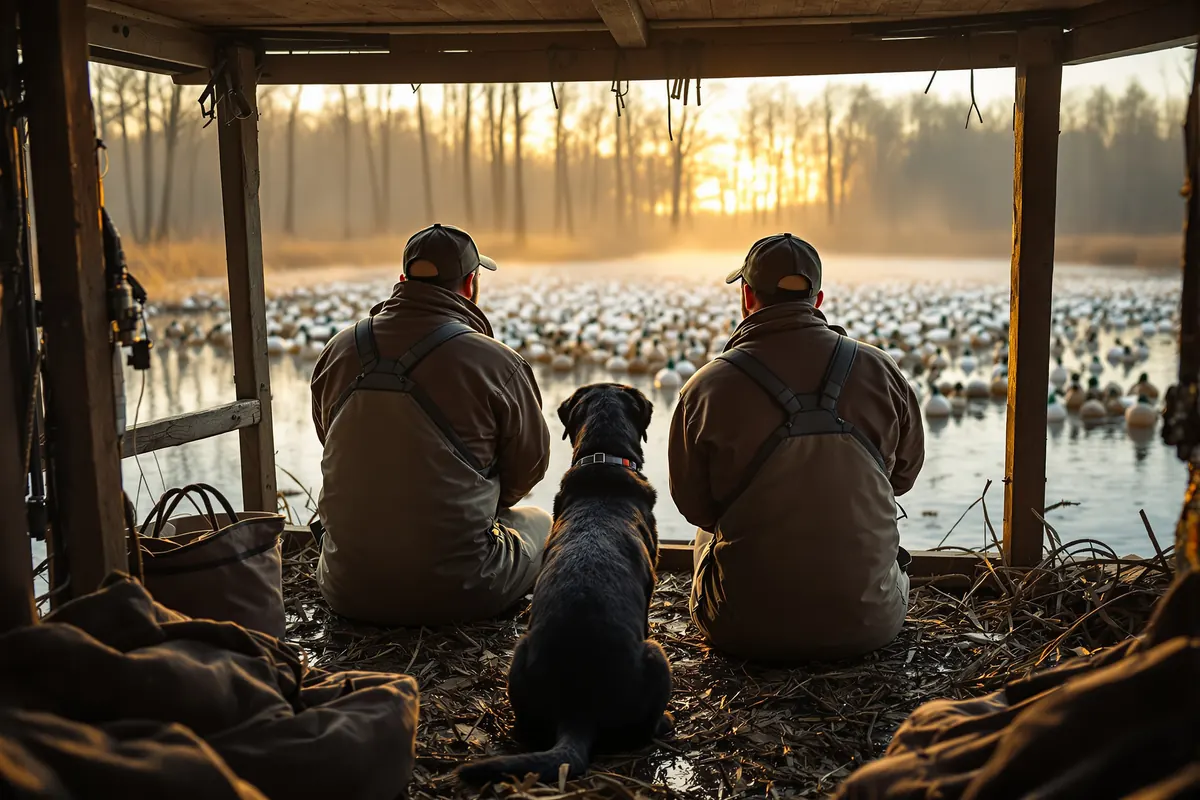
Photos are the most visible part of google business profile optimization, and they are where an outfit's profile either feels real or feels like a stock catalog. Hunters want to see the blinds, the lodge rooms, the dogs, the boat, the food and the people. Upload your own photos, taken on your ground, and add new ones through the season.
A short shot list that covers most outfits:
- The lodge or meeting point from the road, so first timers recognize it in the dark.
- Inside a typical blind or stand location, and the view from it.
- Rooms, the dining table and the cleaning shed.
- Guides at work: setting decoys, running dogs, launching the boat.
- Harvest photos taken respectfully, with the hunter's permission.
The description should say, in plain sentences, what you guide, where, for what seasons and what is included, plus if you host youth hunts or groups. Keep it consistent with your website. Posts work best as short updates hunters care about: an open date after a cancellation, an early season report, opening day logistics. Avoid posting the same promotion every week; a steady trickle of useful updates reads better than a wall of ads.
Reviews: Google's rules and a steady habit
Reviews are the part of the profile most outfitters underuse. Google's Maps user contributed content policy is clear about what is not allowed: merchants may not offer incentives such as payment, discounts or free goods or services in exchange for a review, may not discourage or prohibit negative reviews or selectively solicit positive reviews, and may not use reviews from people with a conflict of interest, such as current or former employees.
Within those rules, the habit is simple: ask every guest, every time, soon after the hunt. HuntReserve sends a post-hunt feedback request automatically, so hunters rate the hunt privately and upload photos. Hunters rate the hunt, upload photos and are invited to review you on Google. Our posts on how to get more Google reviews and how to respond to negative reviews cover the asking and the replying in detail.
Google business profile optimization mistakes that risk a suspension
A suspended profile disappears from Maps, often at the worst time of year. Most suspensions in the outdoor world trace back to a handful of choices that break the guidelines cited above. Good google business profile optimization is as much about avoiding these as about adding photos.
| Mistake | Why it causes trouble | Better approach |
|---|---|---|
| Hunt types and towns added to the name | The guidelines say unnecessary information in the name is not permitted | Real name only; species go in services |
| A profile at a mailbox or a friend's shop | Virtual offices and addresses where you do not operate are not eligible | Service-area profile with the address hidden |
| Separate profiles for each county you hunt | Google says a service-area business can only have one profile for its whole area | One profile listing up to 20 areas |
| Guides and family leaving reviews | The content policy prohibits reviews from people with a conflict of interest, including employees | Ask paying guests only |
| A "review us for a free box of shells" card | Incentives for reviews are prohibited | Ask everyone, offer nothing in exchange |
| A call center or a number you do not control | The phone should be under the business's direct control | Your own line or a forwarding number you manage |
If a profile does get suspended, fix the cause first, then follow the reinstatement steps in Google's help center. Appealing without changing anything rarely ends well.
Measuring what the profile actually books
The reason to spend time on google business profile optimization is bookings, not views. Google shows some performance figures inside the profile, but those numbers stop at the click. What you really want to know is how many deposits came from people who found you on Maps.
A simple way to connect the two:
- Use a distinct booking link on the profile, such as your booking page with a tracking parameter added, so visits from the profile can be told apart from other traffic.
- Ask every new caller how they found you, and write it down the same way every time.
- Record the source on each inquiry and booking, and review it monthly next to the profile's own figures.
HuntReserve inquiries land on the Inquiries board with the hunt, dates, party size and source, so a slow month on the profile shows up as fewer Google inquiries rather than a vague feeling that the phone is quiet. Compare season to season, not week to week, because hunting demand moves with draw results, weather and opening days.
Keeping google business profile optimization going all year
Google business profile optimization is not a one time setup. Profiles drift: someone suggests an edit, a category changes, the off season status never gets switched back. A monthly fifteen minute check keeps things accurate.
- Open the profile in Search and Maps and look at it as a customer would.
- Accept or reject suggested edits from users.
- Update hours before each season starts and ends.
- Add a few new photos from the past month.
- Reply to every new review.
- Click the booking link and phone button to confirm both still work.
If you would rather hand this off, the Full Draw package ($329/mo) adds a national marketing team that handles SEO, AI search, Google Business Profile, Google and Meta ads on top of the full HuntReserve platform. Ad spend is separate. our marketing team has worked with more than 1,100 businesses since 2006. For the bigger picture of how the profile fits with your site and ads, read our guide to hunting marketing, see how the platform works for a full outfit on the hunting outfitter software page, or talk to us about your outfit.
Frequently asked questions
Can a hunting guide without a storefront have a Google Business Profile?
Yes. Google supports service-area businesses that visit or meet customers rather than serving them at a business address. A guide who meets clients at ramps or leased farms can create a profile, hide the home address, and list the cities or counties they serve, within Google's limits on number of areas and driving distance.
Should an outfitter put keywords like 'duck hunts' in the business name?
No, unless those words are genuinely part of your real business name. Google's guidelines say unnecessary information in the name is not permitted. Put species and hunt types in your categories, services, description and posts instead. Keyword stuffed names risk user edits and suspension.
What should a seasonal outfitter do with hours in the off season?
Google's guidelines say to set regular hours while the business is open for the season and allow marking the business temporarily closed during the off season, then restoring hours when you reopen. If you still take calls and bookings during the off season, it may make sense for your hours to reflect that office time instead.
Can an outfitter offer a discount for a Google review?
No. Google's content policy prohibits offering incentives such as payment, discounts or free goods or services in exchange for reviews. It also prohibits selectively asking only happy customers. Ask every guest in the same way, and let the reviews reflect real experiences.
How do you add a booking button to a Google profile?
In your profile, open the Booking section, choose to add a link, paste the URL of your booking page and save. Google allows up to 10 links per category and lets you mark one as preferred. Point it at a page where customers can pick a date and pay a deposit.
Sources
- Google Business Profile Help: Guidelines for representing your business on Google
- Google Business Profile Help: Manage your service areas
- Google Business Profile Help: Manage your local business links
- Google Maps User Contributed Content Policy: Deceptive content / fake engagement
Rules, fees and policies change. This guide was checked against the official sources above in October 2026. It is general information, not legal, tax or insurance advice: confirm the current details with the agency or a licensed professional before you rely on them.
Keep reading
More from the HuntReserve blog
How to Get More Google Reviews for Your Outfit, the Right Way
Reviews come from a habit, not a campaign: ask every guest at the right moment, make it a two-tap job, keep staff on script and stay well inside Google's rules on incentives and selective asking.
12 min read
Hunting Marketing for Outfitters: A Year-Round Plan That Books Hunts
A complete plan for filling hunts: a clear position, hunt pages that answer every question, search and AI visibility, reviews, email, video, shows and referrals, measured by bookings.
12 min read
Fishing Charter Marketing: How Captains Fill the Boat From Search to Rebooking
From the angler who searches the port name on the drive down to the family that rebooks every summer, here is how a charter gets found, chosen and booked again.
12 min readSpend the season in the field.
Let HuntReserve run the office.
Tell us about your outfit. We'll call you, walk you through it with your own hunts and get you set up.